, Choose a different scenario
1 Top.
2 Bottom Bottom.
3 Accessory and Decoration is Ready.
Everything is ready: the kit can be added to the cart
Top
Bottom
Accessories
Longsleeves
T-shirts
T-shirts
Tops
Trousers
Leggings
Shorts
Backpacks
Covers
Add an accessory
Skip it
Лонгслив Импульс Бордовый
3700,00 ₽ – 4200,00 ₽ Диапазон цен: 3700,00 ₽ – 4200,00 ₽
Select
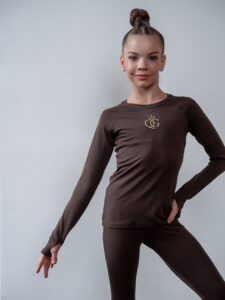
Longsleeve Ideal Brown
3000,00 ₽ – 3500,00 ₽ Price range: 3000,00 ₽ – 3500,00 ₽
Select
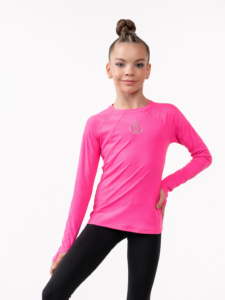
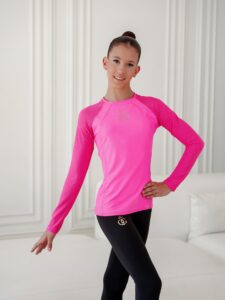
Longsleeve Grace Pink
3500,00 ₽ The original price was 3500.00.. 2800,00 ₽ Current price: 2800.00 ₽.
Select
Grace Thermo Longsleeve
3990,00 ₽ The original price was 3,990.00 ₽. 3192,00 ₽ Current price: 3192.00 ₽.
Select
4800,00 ₽ The original price was 4800.00.. 3800,00 ₽ Current price: 3800.00 ₽.
Select
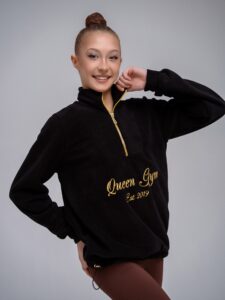
Fleece jumper cherry
4800,00 ₽ The original price was 4800.00.. 3800,00 ₽ Current price: 3800.00 ₽.
Select
Cherry Aspiration Longsleeve
3000,00 ₽ – 3500,00 ₽ Price range: 3000,00 ₽ – 3500,00 ₽
Select
Longsleeve Impulse Brown
3700,00 ₽ – 4200,00 ₽ Диапазон цен: 3700,00 ₽ – 4200,00 ₽
Select
Longsleeve Hot Ice Purple
3040,00 ₽ – 3540,00 ₽ Диапазон цен: 3040,00 ₽ – 3540,00 ₽
Select
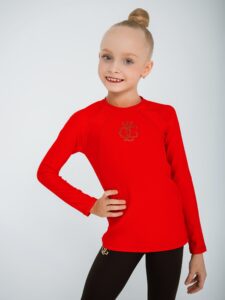
Longsleeve Pulse Red
3800,00 ₽ The original price was 3800.00.. 2500,00 ₽ Current price: 2500.00 ₽.
Select
Longsleeve Grace Light Pink
3500,00 ₽ The original price was 3500.00.. 2800,00 ₽ Current price: 2800.00 ₽.
Select
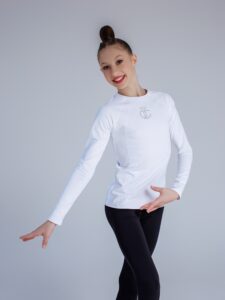
Longsleeve Impulse White
3500,00 ₽ The original price was 3500.00.. 2500,00 ₽ Current price: 2500.00 ₽.
Select
Longsleeve Grace Light Blue
3500,00 ₽ The original price was 3500.00.. 2800,00 ₽ Current price: 2800.00 ₽.
Select
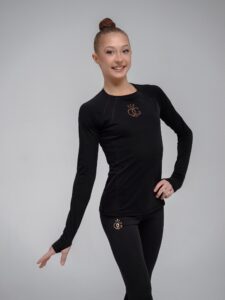
Longsleeve Impulse Black
3700,00 ₽ – 4200,00 ₽ Диапазон цен: 3700,00 ₽ – 4200,00 ₽
Select
Sport Bordeaux T-shirt
3300,00 ₽ The original price was 3300.00.. 2640,00 ₽ Current price: 2640.00 ₽.
Select
Футболка Спорт Белая
3300,00 ₽ The original price was 3300.00.. 2640,00 ₽ Current price: 2640.00 ₽.
Select
Sport Brown T-shirt
3300,00 ₽ The original price was 3300.00.. 2640,00 ₽ Current price: 2640.00 ₽.
Select
Футболка Спорт Фиолетовая
3300,00 ₽ The original price was 3300.00.. 2640,00 ₽ Current price: 2640.00 ₽.
Select
Flower White T-Shirt
2700,00 ₽ The original price was 2700.00.. 2160,00 ₽ Current price: 2160.00 ₽.
Select
Silhouette Brown T-Shirt
2800,00 ₽ The original price was 2800.00.. 2240,00 ₽ Current price: 2240.00 ₽.
Select
Lavender Silhouette T-Shirt
2240,00 ₽ – 3040,00 ₽ Диапазон цен: 2240,00 ₽ – 3040,00 ₽
Select
T-shirt Silhouette Mint
2240,00 ₽ – 3040,00 ₽ Диапазон цен: 2240,00 ₽ – 3040,00 ₽
Select
Silhouette Pink T-Shirt
2800,00 ₽ The original price was 2800.00.. 2240,00 ₽ Current price: 2240.00 ₽.
Select
Silhouette Burgundy T-Shirt
2800,00 ₽ The original price was 2800.00.. 2240,00 ₽ Current price: 2240.00 ₽.
Select
Classic Chocolate T-Shirt
2800,00 ₽ The original price was 2800.00.. 2240,00 ₽ Current price: 2240.00 ₽.
Select
Flower Pink T-Shirt
2320,00 ₽ – 3120,00 ₽ Диапазон цен: 2320,00 ₽ – 3120,00 ₽
Select
Luck Purple T-shirt
2990,00 ₽ The original price was 2,990.00 ₽. 2392,00 ₽ Current price: 2392.00 ₽.
Select
Lucky Blue T-shirt
2990,00 ₽ The original price was 2,990.00 ₽. 2600,00 ₽ Текущая цена: 2600,00 ₽.
Select
Power Brown T-Shirt
3400,00 ₽ The original price was 3400.00.. 2720,00 ₽ Current price: 2720.00 ₽.
Select
Basic brown T-shirt
2000,00 ₽ – 2500,00 ₽ Диапазон цен: 2000,00 ₽ – 2500,00 ₽
Select
Basic Pink T-Shirt
2240,00 ₽ – 2640,00 ₽ Price range: 2240.00 – - 2640.00 ₽
Select
Basic White T-Shirt
2240,00 ₽ – 2640,00 ₽ Price range: 2240.00 – - 2640.00 ₽
Select
Basic Black T-Shirt
2240,00 ₽ – 2640,00 ₽ Price range: 2240.00 – - 2640.00 ₽
Select
Ice Basic T-Shirt
2500,00 ₽ The original price was 2500.00.. 2000,00 ₽ Current price: 2000,00 rubles.
Select
Coral Flower T-Shirt
2700,00 ₽ The original price was 2700.00.. 2160,00 ₽ Current price: 2160.00 ₽.
Select
Flower Black T-Shirt
2160,00 ₽ – 2900,00 ₽ Диапазон цен: 2160,00 ₽ – 2900,00 ₽
Select
T-shirt Russia
2500,00 ₽ The original price was 2500.00.. 2000,00 ₽ Current price: 2000,00 rubles.
Select
Impulse Black T-shirt
3200,00 ₽ The original price was 3200.00.. 2000,00 ₽ Current price: 2000,00 rubles.
Select
Футболка Спорт Черная
2640,00 ₽ – 3140,00 ₽ Диапазон цен: 2640,00 ₽ – 3140,00 ₽
Select
T-shirt Style Blue
3200,00 ₽ The original price was 3200.00.. 2560,00 ₽ Current price: ? 00 ₽.
Select
T-shirt with inner top Luxury Crystal Purple
2500,00 ₽ The original price was 2500.00.. 1500,00 ₽ Current price: 1500.00 ₽.
Select
T-shirt Hummingbird Bordeaux
2990,00 ₽ The original price was 2,990.00 ₽. 2392,00 ₽ Current price: 2392.00 ₽.
Select
T-shirt Style White
3200,00 ₽ The original price was 3200.00.. 2560,00 ₽ Current price: ? 00 ₽.
Select
T-shirt Style Red
2560,00 ₽ – 2960,00 ₽ Price range: ?00 ₽ – 2960,00 ₽
Select
T-shirt Flexibility Lilac
2900,00 ₽ The original price was 2900.00.. 2320,00 ₽ Current price: 2320.00 ₽.
Select
T-shirt Tennis White
2900,00 ₽ The original price was 2900.00.. 2320,00 ₽ Current price: 2320.00 ₽.
Select
T-shirt Flexibility Red
2800,00 ₽ The original price was 2800.00.. 2240,00 ₽ Current price: 2240.00 ₽.
Select
T-shirt Flex Pink
2240,00 ₽ – 3040,00 ₽ Диапазон цен: 2240,00 ₽ – 3040,00 ₽
Select
T-shirt Flexibility White
2240,00 ₽ – 2740,00 ₽ Диапазон цен: 2240,00 ₽ – 2740,00 ₽
Select
T-shirt Impulse Black
2080,00 ₽ – 2240,00 ₽ Диапазон цен: 2080,00 ₽ – 2240,00 ₽
Select
T-shirt Tennis Black
2900,00 ₽ The original price was 2900.00.. 2320,00 ₽ Current price: 2320.00 ₽.
Select
T-shirt Style Black
3000,00 ₽ The original price was 3000,00 ₽. 2400,00 ₽ Current price: 2400.00 ₽.
Select
Топ Стиль Фиолетовый
2700,00 ₽ The original price was 2700.00.. 1500,00 ₽ Current price: 1500.00 ₽.
Select
Top Climbing Purple
2160,00 ₽ – 2660,00 ₽ Диапазон цен: 2160,00 ₽ – 2660,00 ₽
Select
Топ Сияние Перфорированный Черный
2160,00 ₽ – 2660,00 ₽ Диапазон цен: 2160,00 ₽ – 2660,00 ₽
Select
Топ Восхождение Коралл
2160,00 ₽ – 2660,00 ₽ Диапазон цен: 2160,00 ₽ – 2660,00 ₽
Select
Top Climbing Lavender
2160,00 ₽ – 2660,00 ₽ Диапазон цен: 2160,00 ₽ – 2660,00 ₽
Select
Top Climbing Mint
2160,00 ₽ – 2660,00 ₽ Диапазон цен: 2160,00 ₽ – 2660,00 ₽
Select
Top Style Cornflower Blue
2700,00 ₽ The original price was 2700.00.. 2160,00 ₽ Current price: 2160.00 ₽.
Select
Топ Сияние Перфорированный Белый
2160,00 ₽ – 2660,00 ₽ Диапазон цен: 2160,00 ₽ – 2660,00 ₽
Select
Топ Сияние Перфорированный
2160,00 ₽ – 2660,00 ₽ Диапазон цен: 2160,00 ₽ – 2660,00 ₽
Select
Top Style Burgundy
2160,00 ₽ – 2960,00 ₽ Диапазон цен: 2160,00 ₽ – 2960,00 ₽
Select
Top Style Chocolate
3125,00 ₽ Первоначальная цена составляла 3125,00 ₽. 2500,00 ₽ Current price: 2500.00 ₽.
Select
Top Style Black
2700,00 ₽ The original price was 2700.00.. 2160,00 ₽ Current price: 2160.00 ₽.
Select
Top Style White
2700,00 ₽ The original price was 2700.00.. 2160,00 ₽ Current price: 2160.00 ₽.
Select
Top Diamond Purple
2700,00 ₽ The original price was 2700.00.. 2160,00 ₽ Current price: 2160.00 ₽.
Select
Top Style Neon Lemon
2000,00 ₽ – 2500,00 ₽ Диапазон цен: 2000,00 ₽ – 2500,00 ₽
Select
Top Voyage Mint
2500,00 ₽ The original price was 2500.00.. 2000,00 ₽ Current price: 2000,00 rubles.
Select
Top Voyage Yellow
2500,00 ₽ The original price was 2500.00.. 2000,00 ₽ Current price: 2000,00 rubles.
Select
Top Voyage Red
2500,00 ₽ The original price was 2500.00.. 2000,00 ₽ Current price: 2000,00 rubles.
Select
Sports Top Tennis - Black
3100,00 ₽ The original price was 3100.00.. 2480,00 ₽ Current price: 2480.00 ₽.
Select
Top Fitness Black
2400,00 ₽ – 2900,00 ₽ Диапазон цен: 2400,00 ₽ – 2900,00 ₽
Select
Top Fitness Red
2160,00 ₽ – 2660,00 ₽ Диапазон цен: 2160,00 ₽ – 2660,00 ₽
Select
Top Fitness Lilac
2160,00 ₽ – 2660,00 ₽ Диапазон цен: 2160,00 ₽ – 2660,00 ₽
Select
Top Impulse White
2160,00 ₽ – 2660,00 ₽ Диапазон цен: 2160,00 ₽ – 2660,00 ₽
Select
Top Pulse Red
3700,00 ₽ The original price was 3700.00.. 2960,00 ₽ Current price: 2960.00 ₽.
Select
Top Victory
2500,00 ₽ The original price was 2500.00.. 2000,00 ₽ Current price: 2000,00 rubles.
Select
Sports Top Tennis White
2900,00 ₽ The original price was 2900.00.. 2320,00 ₽ Current price: 2320.00 ₽.
Select
Top Diamond White
2500,00 ₽ The original price was 2500.00.. 2000,00 ₽ Current price: 2000,00 rubles.
Select
Top Force Black
2000,00 ₽ – 2500,00 ₽ Диапазон цен: 2000,00 ₽ – 2500,00 ₽
Select
Crop-Top Force
2000,00 ₽ – 2500,00 ₽ Диапазон цен: 2000,00 ₽ – 2500,00 ₽
Select
Top Style Neon Pink
2000,00 ₽ – 2500,00 ₽ Диапазон цен: 2000,00 ₽ – 2500,00 ₽
Select
Top Fitness White
2000,00 ₽ – 2500,00 ₽ Диапазон цен: 2000,00 ₽ – 2500,00 ₽
Select
Top Perforation
2500,00 ₽ The original price was 2500.00.. 2000,00 ₽ Current price: 2000,00 rubles.
Select
4200,00 ₽ The original price was 4200.00.. 3200,00 ₽ Current price: 3200.00 ₽.
Select
Pants Royal Ice Black
4200,00 ₽ The original price was 4200.00.. 3200,00 ₽ Current price: 3200.00 ₽.
Select
Trousers made of thermobiflex for skating
3900,00 ₽ The original price was 3900.00.. 3120,00 ₽ Current price: 3120.00 ₽.
Select
3990,00 ₽ The original price was 3,990.00 ₽. 3192,00 ₽ Current price: 3192.00 ₽.
Select
Burgundy LeggingsQueen Gym
3990,00 ₽ The original price was 3,990.00 ₽. 3192,00 ₽ Current price: 3192.00 ₽.
Select
Leggings with black elastic bandQueen Gym
3990,00 ₽ The original price was 3,990.00 ₽. 3192,00 ₽ Current price: 3192.00 ₽.
Select
3200,00 ₽ The original price was 3200.00.. 2560,00 ₽ Current price: ? 00 ₽.
Select
Shorts Radiance Perforated Black
3800,00 ₽ The original price was 3800.00.. 3040,00 ₽ Current price: 3040.00 ₽.
Select
Celine's Shorts Are Pink
2900,00 ₽ The original price was 2900.00.. 2320,00 ₽ Current price: 2320.00 ₽.
Select
Double Shorts Pink Coral
3800,00 ₽ The original price was 3800.00.. 3040,00 ₽ Current price: 3040.00 ₽.
Select
Double shorts Lavender
3800,00 ₽ The original price was 3800.00.. 3040,00 ₽ Current price: 3040.00 ₽.
Select
Double Shorts Mint
3800,00 ₽ The original price was 3800.00.. 3040,00 ₽ Current price: 3040.00 ₽.
Select
Voyage Pink Shorts
2000,00 ₽ The original price was 2000,00 rubles. 1600,00 ₽ Current price: 1600.00 ₽.
Select
Voyage Shorts are Yellow
2000,00 ₽ The original price was 2000,00 rubles. 1600,00 ₽ Current price: 1600.00 ₽.
Select
The shorts are double Brown
3800,00 ₽ The original price was 3800.00.. 3040,00 ₽ Current price: 3040.00 ₽.
Select
Shorts Radiance Perforated Lemon
3040,00 ₽ – 3540,00 ₽ Диапазон цен: 3040,00 ₽ – 3540,00 ₽
Select
Shorts Radiance Perforated White
3040,00 ₽ – 3540,00 ₽ Диапазон цен: 3040,00 ₽ – 3540,00 ₽
Select
Bordeaux Double Shorts
3800,00 ₽ The original price was 3800.00.. 3040,00 ₽ Current price: 3040.00 ₽.
Select
Impulse Shorts Are Brown
3200,00 ₽ The original price was 3200.00.. 2560,00 ₽ Current price: ? 00 ₽.
Select
Double Shorts Perforation Purple
3990,00 ₽ The original price was 3,990.00 ₽. 3192,00 ₽ Current price: 3192.00 ₽.
Select
Double Shorts Perforation Red
3990,00 ₽ The original price was 3,990.00 ₽. 3192,00 ₽ Current price: 3192.00 ₽.
Select
Impulse Shorts are Red
3200,00 ₽ The original price was 3200.00.. 2560,00 ₽ Current price: ? 00 ₽.
Select
Impulse Shorts are Black
3200,00 ₽ The original price was 3200.00.. 2560,00 ₽ Current price: ? 00 ₽.
Select
Double shortsQUEEN GYM
3800,00 ₽ The original price was 3800.00.. 3040,00 ₽ Current price: 3040.00 ₽.
Select
Shorts with edging Queen Gym
3200,00 ₽ The original price was 3200.00.. 2560,00 ₽ Current price: ? 00 ₽.
Select
Double Shorts Perforation
2900,00 ₽ – 3900,00 ₽ Диапазон цен: 2900,00 ₽ – 3900,00 ₽
Select
Чехол для обруча Темно-Синий
1840,00 ₽ – 2540,00 ₽ Диапазон цен: 1840,00 ₽ – 2540,00 ₽
Select
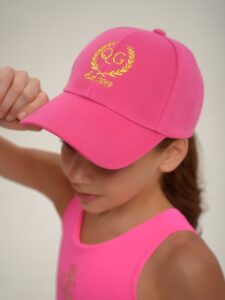
Queen GymClassic Adult Cap Pink
1800,00 ₽ The original price was 1800.00.. 1440,00 ₽ Current price: 1440,00 rubles.
Select
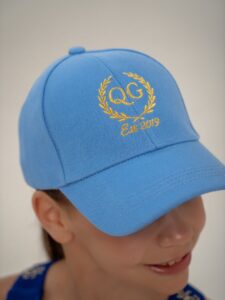
Queen GymClassic Adult Cap Blue
1800,00 ₽ The original price was 1800.00.. 1440,00 ₽ Current price: 1440,00 rubles.
Select
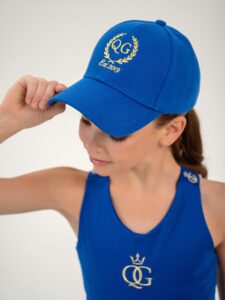
Queen GymClassic Adult Cap Blue
1800,00 ₽ The original price was 1800.00.. 1440,00 ₽ Current price: 1440,00 rubles.
Select
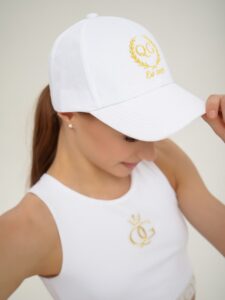
Queen GymClassic Adult White Cap
1800,00 ₽ The original price was 1800.00.. 1440,00 ₽ Current price: 1440,00 rubles.
Select
Queen GymClassic Adult Black Cap
1800,00 ₽ The original price was 1800.00.. 1440,00 ₽ Current price: 1440,00 rubles.
Select
Backpack-Bag Start
8500,00 ₽ The original price was 8500.00.. 6800,00 ₽ Current price: 6800.00 ₽.
Select
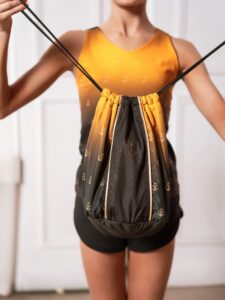
Backpack Start
8500,00 ₽ The original price was 8500.00.. 6800,00 ₽ Current price: 6800.00 ₽.
Select
Waist Bag Crown Protective
2700,00 ₽ The original price was 2700.00.. 2160,00 ₽ Current price: 2160.00 ₽.
Select
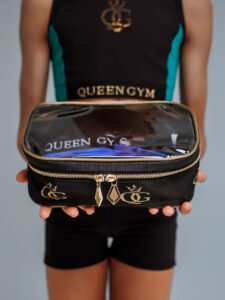
Cosmetic bag Black
2500,00 ₽ The original price was 2500.00.. 2000,00 ₽ Current price: 2000,00 rubles.
Select
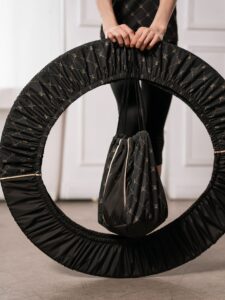
The cover for the Voyage hoop is Black
2800,00 ₽ The original price was 2800.00.. 2240,00 ₽ Current price: 2240.00 ₽.
Select
The cover for the Voyage hoop is Red
2800,00 ₽ The original price was 2800.00.. 2240,00 ₽ Current price: 2240.00 ₽.
Select
The cover for the ball Voyage Sunny
2800,00 ₽ The original price was 2800.00.. 2240,00 ₽ Current price: 2240.00 ₽.
Select
The case for the Voyage ball is Black
2800,00 ₽ The original price was 2800.00.. 2240,00 ₽ Current price: 2240.00 ₽.
Select
Voyage Pink Ball Case
2800,00 ₽ The original price was 2800.00.. 2240,00 ₽ Current price: 2240.00 ₽.
Select
Bandana Voyage Mint
900,00 ₽ The original price was 900.00.. 550,00 ₽ Current price: 550,00 rubles.
Select
Bandana Voyage Yellow
900,00 ₽ The original price was 900.00.. 550,00 ₽ Current price: 550,00 rubles.
Select
Bandana Voyage Pink
900,00 ₽ The original price was 900.00.. 550,00 ₽ Current price: 550,00 rubles.
Select
Sports bag
7000,00 ₽ The original price was 7000,00 ₽. 5600,00 ₽ Current price: 5600.00 ₽.
Select
Prestige Shopping Bag
2000,00 ₽ – 2500,00 ₽ Диапазон цен: 2000,00 ₽ – 2500,00 ₽
Select
Olympus Backpack
12800,00 ₽ – 13300,00 ₽ Диапазон цен: 12800,00 ₽ – 13300,00 ₽
Select
Fitness Bag
7000,00 ₽ The original price was 7000,00 ₽. 5600,00 ₽ Current price: 5600.00 ₽.
Select
A bag on wheels Voyage
10500,00 ₽ The original price was 10500.00.. 8400,00 ₽ Current price: 8400.00 ₽.
Select
Maxi Red Backpack
8000,00 ₽ The original price was 8000,00 ₽. 6400,00 ₽ Current price: 6400.00 ₽.
Select
Queen Case
2500,00 ₽ The original price was 2500.00.. 2000,00 ₽ Current price: 2000,00 rubles.
Select
Чехол для обруча Черный
1840,00 ₽ – 2340,00 ₽ Диапазон цен: 1840,00 ₽ – 2340,00 ₽
Select
Ball Case
1840,00 ₽ – 2340,00 ₽ Диапазон цен: 1840,00 ₽ – 2340,00 ₽
Select
The holdall
3360,00 ₽ – 3860,00 ₽ Диапазон цен: 3360,00 ₽ – 3860,00 ₽
Select
Raincoat Raincoat Cover
1840,00 ₽ – 2340,00 ₽ Диапазон цен: 1840,00 ₽ – 2340,00 ₽
Select
Чехол для обруча Темно-Синий
1840,00 ₽ – 2540,00 ₽ Диапазон цен: 1840,00 ₽ – 2540,00 ₽
Select
The cover for the Voyage hoop is Black
2800,00 ₽ The original price was 2800.00.. 2240,00 ₽ Current price: 2240.00 ₽.
Select
The cover for the Voyage hoop is Red
2800,00 ₽ The original price was 2800.00.. 2240,00 ₽ Current price: 2240.00 ₽.
Select
The cover for the ball Voyage Sunny
2800,00 ₽ The original price was 2800.00.. 2240,00 ₽ Current price: 2240.00 ₽.
Select
The case for the Voyage ball is Black
2800,00 ₽ The original price was 2800.00.. 2240,00 ₽ Current price: 2240.00 ₽.
Select
Voyage Pink Ball Case
2800,00 ₽ The original price was 2800.00.. 2240,00 ₽ Current price: 2240.00 ₽.
Select
Queen Case
2500,00 ₽ The original price was 2500.00.. 2000,00 ₽ Current price: 2000,00 rubles.
Select
Чехол для обруча Черный
1840,00 ₽ – 2340,00 ₽ Диапазон цен: 1840,00 ₽ – 2340,00 ₽
Select
Ball Case
1840,00 ₽ – 2340,00 ₽ Диапазон цен: 1840,00 ₽ – 2340,00 ₽
Select
Raincoat Raincoat Cover
1840,00 ₽ – 2340,00 ₽ Диапазон цен: 1840,00 ₽ – 2340,00 ₽
Select
Top
Change
Bottom
Change
Accessory Not selected
Change
Total: 0 ₽
Tracksuit — choose a product
Спортивный костюм Кристалл Белый
11800,00 ₽ Первоначальная цена составляла 11800,00 ₽. 9500,00 ₽ Текущая цена: 9500,00 ₽.
Select
Боди Бархат Темно-Синий Восторг
4300,00 ₽ Первоначальная цена составляла 4300,00 ₽. 3300,00 ₽ Текущая цена: 3300,00 ₽.
Select
Спортивный костюм Королевский лед Черный
12600,00 ₽ The original price was 12600.00.. 10080,00 ₽ Current price: 10080,00 rubles.
Select
Спортивный костюм Полярная Звезда Красный
10400,00 ₽ – 10900,00 ₽ Диапазон цен: 10400,00 ₽ – 10900,00 ₽
Select
Костюм Корона Карамельный
10080,00 ₽ – 10580,00 ₽ Диапазон цен: 10080,00 ₽ – 10580,00 ₽
Select
Костюм Корона Черный
10080,00 ₽ – 10580,00 ₽ Диапазон цен: 10080,00 ₽ – 10580,00 ₽
Select
Спортивный костюм Флисовый Голубой
11250,00 ₽ Первоначальная цена составляла 11250,00 ₽. 9000,00 ₽ Current price: 9000,00 rubles.
Select
Спортивный костюм Премьер Синий Взрослый
10880,00 ₽ – 11380,00 ₽ Диапазон цен: 10880,00 ₽ – 11380,00 ₽
Select
Спортивный костюм Полярная Звезда Взрослый
12800,00 ₽ – 13300,00 ₽ Диапазон цен: 12800,00 ₽ – 13300,00 ₽
Select
Спортивный костюм Силуэт Красный
9500,00 ₽ The original price was 9500.00.. 8500,00 ₽ Current price: 8500.00 ₽.
Select
Спортивный костюм Силуэт Шоколадный
10625,00 ₽ Первоначальная цена составляла 10625,00 ₽. 8500,00 ₽ Current price: 8500.00 ₽.
Select
Melodiya Caramel Tracksuit
9500,00 ₽ The original price was 9500.00.. 7600,00 ₽ Current price: 7600.00 ₽.
Select
Prime Tracksuit
10500,00 ₽ The original price was 10500.00.. 8400,00 ₽ Current price: 8400.00 ₽.
Select
Celine's tracksuit
10500,00 ₽ The original price was 10500.00.. 8400,00 ₽ Current price: 8400.00 ₽.
Select
Tracksuit Crown Mint
10080,00 ₽ – 10580,00 ₽ Диапазон цен: 10080,00 ₽ – 10580,00 ₽
Select
Sports Suit Crown Pink
10080,00 ₽ – 10580,00 ₽ Диапазон цен: 10080,00 ₽ – 10580,00 ₽
Select
The Voyage Pink Tracksuit
8400,00 ₽ The original price was 8400.00.. 5500,00 ₽ Current price: 5500.00 ₽.
Select
Costume Summer Mood Three-dimensional Yellow
5920,00 ₽ – 6420,00 ₽ Диапазон цен: 5920,00 ₽ – 6420,00 ₽
Select
Tracksuit Melody Purple
8000,00 ₽ The original price was 8000,00 ₽. 6400,00 ₽ Current price: 6400.00 ₽.
Select
Tracksuit Heaven
9500,00 ₽ The original price was 9500.00.. 7600,00 ₽ Current price: 7600.00 ₽.
Select
Спортивный костюм Мелодия Бежевый
8000,00 ₽ The original price was 8000,00 ₽. 6400,00 ₽ Current price: 6400.00 ₽.
Select
Elegy Jumpsuit Dark Blue
7200,00 ₽ – 7700,00 ₽ Диапазон цен: 7200,00 ₽ – 7700,00 ₽
Select
Jumpsuit Elegy Brown
7200,00 ₽ – 7700,00 ₽ Диапазон цен: 7200,00 ₽ – 7700,00 ₽
Select
Jumpsuit Elegy Red
7200,00 ₽ – 7700,00 ₽ Диапазон цен: 7200,00 ₽ – 7700,00 ₽
Select
Tracksuit Fleece Brown
11250,00 ₽ Первоначальная цена составляла 11250,00 ₽. 9000,00 ₽ Current price: 9000,00 rubles.
Select
Tracksuit Silhouette Black
10625,00 ₽ Первоначальная цена составляла 10625,00 ₽. 8500,00 ₽ Current price: 8500.00 ₽.
Select
Tracksuit Silhouette Dark Blue
10625,00 ₽ Первоначальная цена составляла 10625,00 ₽. 8500,00 ₽ Current price: 8500.00 ₽.
Select
Jumpsuit Warm Red
7600,00 ₽ – 8100,00 ₽ Диапазон цен: 7600,00 ₽ – 8100,00 ₽
Select
Tracksuit Fleece Black
11250,00 ₽ Первоначальная цена составляла 11250,00 ₽. 9000,00 ₽ Current price: 9000,00 rubles.
Select
Tracksuit Fleece Red
11250,00 ₽ Первоначальная цена составляла 11250,00 ₽. 9000,00 ₽ Current price: 9000,00 rubles.
Select
Your Legend's Tracksuit is Beige
13600,00 ₽ Первоначальная цена составляла 13600,00 ₽. 10880,00 ₽ Текущая цена: 10880,00 ₽.
Select
Tracksuit Is Your Legend Chocolate
13600,00 ₽ Первоначальная цена составляла 13600,00 ₽. 10880,00 ₽ Текущая цена: 10880,00 ₽.
Select
Tracksuit Royal Ice Chocolate
12600,00 ₽ The original price was 12600.00.. 10080,00 ₽ Current price: 10080,00 rubles.
Select
Costume Crown Emerald
10080,00 ₽ – 10580,00 ₽ Диапазон цен: 10080,00 ₽ – 10580,00 ₽
Select
Tracksuit Grand Cornflower Blue Adult
12000,00 ₽ – 12500,00 ₽ Price range: 12000,00 ₽ – 12500,00 ₽
Select
Tracksuit Grand Cornflower Blue
9600,00 ₽ – 10100,00 ₽ Диапазон цен: 9600,00 ₽ – 10100,00 ₽
Select
Tracksuit Grand Brown
9600,00 ₽ – 10100,00 ₽ Диапазон цен: 9600,00 ₽ – 10100,00 ₽
Select
Olymp Red Tracksuit
11000,00 ₽ – 11500,00 ₽ Диапазон цен: 11000,00 ₽ – 11500,00 ₽
Select
Olymp Tracksuit Dark Blue
13000,00 ₽ Первоначальная цена составляла 13000,00 ₽. 11000,00 ₽ Current price: 11000,00 rubles.
Select
The Suit Is Three-Dimensional Warm Purple
9000,00 ₽ The original price was 9000,00 ₽. 8000,00 ₽ Текущая цена: 8000,00 ₽.
Select
Спортивный Костюм Гранд Взрослый Красный
12000,00 ₽ – 12500,00 ₽ Price range: 12000,00 ₽ – 12500,00 ₽
Select
Tracksuit Grand Emerald Adult
12560,00 ₽ – 13060,00 ₽ Диапазон цен: 12560,00 ₽ – 13060,00 ₽
Select
Velour Suit with Stand Royal Black
7600,00 ₽ – 8800,00 ₽ Price range: 7600.00 – - 8800.00 ₽
Select
Velour Suit with Stand Royal Navy Blue
7600,00 ₽ – 8800,00 ₽ Price range: 7600.00 – - 8800.00 ₽
Select
Спортивный костюм Россия Взрослый Красный
10880,00 ₽ – 11580,00 ₽ Диапазон цен: 10880,00 ₽ – 11580,00 ₽
Select
Tracksuit Grand Emerald
10080,00 ₽ – 10580,00 ₽ Диапазон цен: 10080,00 ₽ – 10580,00 ₽
Select
The ceremonial Flagship Suit is New Red
10080,00 ₽ – 10580,00 ₽ Диапазон цен: 10080,00 ₽ – 10580,00 ₽
Select
Dress Suit Flagship New White
10080,00 ₽ – 10580,00 ₽ Диапазон цен: 10080,00 ₽ – 10580,00 ₽
Select
Ceremonial Flagship Suit New Black
10080,00 ₽ – 10580,00 ₽ Диапазон цен: 10080,00 ₽ – 10580,00 ₽
Select
Costume Summer Mood Three-dimensional
4000,00 ₽ – 4500,00 ₽ Диапазон цен: 4000,00 ₽ – 4500,00 ₽
Select
Спортивный костюм Корона Взрослый Черный
15000,00 ₽ The original price was 15,000.00 rubles. 12000,00 ₽ Current price: 12000,00 rubles.
Select
Tracksuit Russia Red
6800,00 ₽ – 7500,00 ₽ Диапазон цен: 6800,00 ₽ – 7500,00 ₽
Select
Tracksuit Grand Red
12000,00 ₽ The original price was 12000,00 ₽. 8500,00 ₽ Current price: 8500.00 ₽.
Select
Premier Plus Black Tracksuit
7990,00 ₽ – 9290,00 ₽ Диапазон цен: 7990,00 ₽ – 9290,00 ₽
Select
Suit Winter Warmth Blue
7200,00 ₽ – 8000,00 ₽ Price range: 7200.00 – - 8000.00 ₽
Select
Jumpsuit Hot Beige
7200,00 ₽ – 7700,00 ₽ Диапазон цен: 7200,00 ₽ – 7700,00 ₽
Select
Tracksuit Grand Mint
8000,00 ₽ – 9600,00 ₽ Диапазон цен: 8000,00 ₽ – 9600,00 ₽
Select
Sports Suit Crown Adult Dark Blue
15000,00 ₽ The original price was 15,000.00 rubles. 12000,00 ₽ Current price: 12000,00 rubles.
Select
Tracksuit Premier Black
7990,00 ₽ – 9290,00 ₽ Диапазон цен: 7990,00 ₽ – 9290,00 ₽
Select
Tracksuit Russia Blue
6800,00 ₽ – 7500,00 ₽ Диапазон цен: 6800,00 ₽ – 7500,00 ₽
Select
The Crown Suit Is Dark Blue
10080,00 ₽ – 10580,00 ₽ Диапазон цен: 10080,00 ₽ – 10580,00 ₽
Select
Tracksuit Polar Star
10400,00 ₽ – 11700,00 ₽ Диапазон цен: 10400,00 ₽ – 11700,00 ₽
Select
Crown Purple Tracksuit
9600,00 ₽ – 10100,00 ₽ Диапазон цен: 9600,00 ₽ – 10100,00 ₽
Select
Jumpsuit HOT Black
9000,00 ₽ The original price was 9000,00 ₽. 7200,00 ₽ Current price: 7200.00 ₽.
Select
Sports Suit Premier White and Red
7990,00 ₽ – 8490,00 ₽ Диапазон цен: 7990,00 ₽ – 8490,00 ₽
Select
Tracksuit Premier Blue
7990,00 ₽ – 9890,00 ₽ Диапазон цен: 7990,00 ₽ – 9890,00 ₽
Select
Velour Suit with Royal Purple Rack
9500,00 ₽ The original price was 9500.00.. 7000,00 ₽ Текущая цена: 7000,00 ₽.
Select
3D Warm Beige Suit
7200,00 ₽ – 8000,00 ₽ Price range: 7200.00 – - 8000.00 ₽
Select
Choose an accessory or skip
Skip accessory →
Чехол для обруча Темно-Синий
1840,00 ₽ – 2540,00 ₽ Диапазон цен: 1840,00 ₽ – 2540,00 ₽
Select
Queen GymClassic Adult Cap Pink
1800,00 ₽ The original price was 1800.00.. 1440,00 ₽ Current price: 1440,00 rubles.
Select
Queen GymClassic Adult Cap Blue
1800,00 ₽ The original price was 1800.00.. 1440,00 ₽ Current price: 1440,00 rubles.
Select
Queen GymClassic Adult Cap Blue
1800,00 ₽ The original price was 1800.00.. 1440,00 ₽ Current price: 1440,00 rubles.
Select
Queen GymClassic Adult White Cap
1800,00 ₽ The original price was 1800.00.. 1440,00 ₽ Current price: 1440,00 rubles.
Select
Queen GymClassic Adult Black Cap
1800,00 ₽ The original price was 1800.00.. 1440,00 ₽ Current price: 1440,00 rubles.
Select
Backpack-Bag Start
8500,00 ₽ The original price was 8500.00.. 6800,00 ₽ Current price: 6800.00 ₽.
Select
Backpack Start
8500,00 ₽ The original price was 8500.00.. 6800,00 ₽ Current price: 6800.00 ₽.
Select
Waist Bag Crown Protective
2700,00 ₽ The original price was 2700.00.. 2160,00 ₽ Current price: 2160.00 ₽.
Select
Cosmetic bag Black
2500,00 ₽ The original price was 2500.00.. 2000,00 ₽ Current price: 2000,00 rubles.
Select
The cover for the Voyage hoop is Black
2800,00 ₽ The original price was 2800.00.. 2240,00 ₽ Current price: 2240.00 ₽.
Select
The cover for the Voyage hoop is Red
2800,00 ₽ The original price was 2800.00.. 2240,00 ₽ Current price: 2240.00 ₽.
Select
The cover for the ball Voyage Sunny
2800,00 ₽ The original price was 2800.00.. 2240,00 ₽ Current price: 2240.00 ₽.
Select
The case for the Voyage ball is Black
2800,00 ₽ The original price was 2800.00.. 2240,00 ₽ Current price: 2240.00 ₽.
Select
Voyage Pink Ball Case
2800,00 ₽ The original price was 2800.00.. 2240,00 ₽ Current price: 2240.00 ₽.
Select
Bandana Voyage Mint
900,00 ₽ The original price was 900.00.. 550,00 ₽ Current price: 550,00 rubles.
Select
Bandana Voyage Yellow
900,00 ₽ The original price was 900.00.. 550,00 ₽ Current price: 550,00 rubles.
Select
Bandana Voyage Pink
900,00 ₽ The original price was 900.00.. 550,00 ₽ Current price: 550,00 rubles.
Select
Sports bag
7000,00 ₽ The original price was 7000,00 ₽. 5600,00 ₽ Current price: 5600.00 ₽.
Select
Prestige Shopping Bag
2000,00 ₽ – 2500,00 ₽ Диапазон цен: 2000,00 ₽ – 2500,00 ₽
Select
Olympus Backpack
12800,00 ₽ – 13300,00 ₽ Диапазон цен: 12800,00 ₽ – 13300,00 ₽
Select
Fitness Bag
7000,00 ₽ The original price was 7000,00 ₽. 5600,00 ₽ Current price: 5600.00 ₽.
Select
A bag on wheels Voyage
10500,00 ₽ The original price was 10500.00.. 8400,00 ₽ Current price: 8400.00 ₽.
Select
Maxi Red Backpack
8000,00 ₽ The original price was 8000,00 ₽. 6400,00 ₽ Current price: 6400.00 ₽.
Select
Queen Case
2500,00 ₽ The original price was 2500.00.. 2000,00 ₽ Current price: 2000,00 rubles.
Select
Чехол для обруча Черный
1840,00 ₽ – 2340,00 ₽ Диапазон цен: 1840,00 ₽ – 2340,00 ₽
Select
Ball Case
1840,00 ₽ – 2340,00 ₽ Диапазон цен: 1840,00 ₽ – 2340,00 ₽
Select
The holdall
3360,00 ₽ – 3860,00 ₽ Диапазон цен: 3360,00 ₽ – 3860,00 ₽
Select
Raincoat Raincoat Cover
1840,00 ₽ – 2340,00 ₽ Диапазон цен: 1840,00 ₽ – 2340,00 ₽
Select
Overalls — choose a product
Elegy Jumpsuit Dark Blue
7200,00 ₽ – 7700,00 ₽ Диапазон цен: 7200,00 ₽ – 7700,00 ₽
Select
Jumpsuit Elegy Brown
7200,00 ₽ – 7700,00 ₽ Диапазон цен: 7200,00 ₽ – 7700,00 ₽
Select
Jumpsuit Elegy Red
7200,00 ₽ – 7700,00 ₽ Диапазон цен: 7200,00 ₽ – 7700,00 ₽
Select
Jumpsuit Warm Red
7600,00 ₽ – 8100,00 ₽ Диапазон цен: 7600,00 ₽ – 8100,00 ₽
Select
Jumpsuit Hot Beige
7200,00 ₽ – 7700,00 ₽ Диапазон цен: 7200,00 ₽ – 7700,00 ₽
Select
Jumpsuit Charm Airy
3800,00 ₽ The original price was 3800.00.. 3040,00 ₽ Current price: 3040.00 ₽.
Select
Jumpsuit Fitness Line
3000,00 ₽ The original price was 3000,00 ₽. 2400,00 ₽ Current price: 2400.00 ₽.
Select
Jumpsuit Charm
4000,00 ₽ Первоначальная цена составляла 4000,00 ₽. 3200,00 ₽ Current price: 3200.00 ₽.
Select
Jumpsuit HOT Black
9000,00 ₽ The original price was 9000,00 ₽. 7200,00 ₽ Current price: 7200.00 ₽.
Select
Choose an accessory or skip
Skip accessory →
Чехол для обруча Темно-Синий
1840,00 ₽ – 2540,00 ₽ Диапазон цен: 1840,00 ₽ – 2540,00 ₽
Select
Queen GymClassic Adult Cap Pink
1800,00 ₽ The original price was 1800.00.. 1440,00 ₽ Current price: 1440,00 rubles.
Select
Queen GymClassic Adult Cap Blue
1800,00 ₽ The original price was 1800.00.. 1440,00 ₽ Current price: 1440,00 rubles.
Select
Queen GymClassic Adult Cap Blue
1800,00 ₽ The original price was 1800.00.. 1440,00 ₽ Current price: 1440,00 rubles.
Select
Queen GymClassic Adult White Cap
1800,00 ₽ The original price was 1800.00.. 1440,00 ₽ Current price: 1440,00 rubles.
Select
Queen GymClassic Adult Black Cap
1800,00 ₽ The original price was 1800.00.. 1440,00 ₽ Current price: 1440,00 rubles.
Select
Backpack-Bag Start
8500,00 ₽ The original price was 8500.00.. 6800,00 ₽ Current price: 6800.00 ₽.
Select
Backpack Start
8500,00 ₽ The original price was 8500.00.. 6800,00 ₽ Current price: 6800.00 ₽.
Select
Waist Bag Crown Protective
2700,00 ₽ The original price was 2700.00.. 2160,00 ₽ Current price: 2160.00 ₽.
Select
Cosmetic bag Black
2500,00 ₽ The original price was 2500.00.. 2000,00 ₽ Current price: 2000,00 rubles.
Select
The cover for the Voyage hoop is Black
2800,00 ₽ The original price was 2800.00.. 2240,00 ₽ Current price: 2240.00 ₽.
Select
The cover for the Voyage hoop is Red
2800,00 ₽ The original price was 2800.00.. 2240,00 ₽ Current price: 2240.00 ₽.
Select
The cover for the ball Voyage Sunny
2800,00 ₽ The original price was 2800.00.. 2240,00 ₽ Current price: 2240.00 ₽.
Select
The case for the Voyage ball is Black
2800,00 ₽ The original price was 2800.00.. 2240,00 ₽ Current price: 2240.00 ₽.
Select
Voyage Pink Ball Case
2800,00 ₽ The original price was 2800.00.. 2240,00 ₽ Current price: 2240.00 ₽.
Select
Bandana Voyage Mint
900,00 ₽ The original price was 900.00.. 550,00 ₽ Current price: 550,00 rubles.
Select
Bandana Voyage Yellow
900,00 ₽ The original price was 900.00.. 550,00 ₽ Current price: 550,00 rubles.
Select
Bandana Voyage Pink
900,00 ₽ The original price was 900.00.. 550,00 ₽ Current price: 550,00 rubles.
Select
Sports bag
7000,00 ₽ The original price was 7000,00 ₽. 5600,00 ₽ Current price: 5600.00 ₽.
Select
Prestige Shopping Bag
2000,00 ₽ – 2500,00 ₽ Диапазон цен: 2000,00 ₽ – 2500,00 ₽
Select
Olympus Backpack
12800,00 ₽ – 13300,00 ₽ Диапазон цен: 12800,00 ₽ – 13300,00 ₽
Select
Fitness Bag
7000,00 ₽ The original price was 7000,00 ₽. 5600,00 ₽ Current price: 5600.00 ₽.
Select
A bag on wheels Voyage
10500,00 ₽ The original price was 10500.00.. 8400,00 ₽ Current price: 8400.00 ₽.
Select
Maxi Red Backpack
8000,00 ₽ The original price was 8000,00 ₽. 6400,00 ₽ Current price: 6400.00 ₽.
Select
Queen Case
2500,00 ₽ The original price was 2500.00.. 2000,00 ₽ Current price: 2000,00 rubles.
Select
Чехол для обруча Черный
1840,00 ₽ – 2340,00 ₽ Диапазон цен: 1840,00 ₽ – 2340,00 ₽
Select
Ball Case
1840,00 ₽ – 2340,00 ₽ Диапазон цен: 1840,00 ₽ – 2340,00 ₽
Select
The holdall
3360,00 ₽ – 3860,00 ₽ Диапазон цен: 3360,00 ₽ – 3860,00 ₽
Select
Raincoat Raincoat Cover
1840,00 ₽ – 2340,00 ₽ Диапазон цен: 1840,00 ₽ – 2340,00 ₽
Select
Outerwear — choose a jacket or vest
Жилет Глянец Взрослый Черный
11000,00 ₽ The original price was 11000,00 ₽. 8800,00 ₽ Current price: 8800.00 ₽.
Select
Жилет Невесомость Взрослый Черный
9000,00 ₽ The original price was 9000,00 ₽. 7200,00 ₽ Current price: 7200.00 ₽.
Select
Жилет Невесомость Взрослый Шоколадный
9000,00 ₽ The original price was 9000,00 ₽. 7200,00 ₽ Current price: 7200.00 ₽.
Select
Жилет Глянец Взрослый Темно-Синий
11000,00 ₽ The original price was 11000,00 ₽. 8800,00 ₽ Current price: 8800.00 ₽.
Select
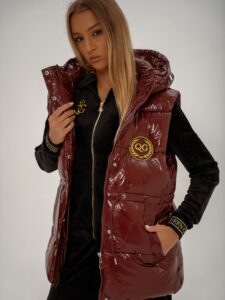
Жилет Глянец Взрослый Бордовый
11000,00 ₽ The original price was 11000,00 ₽. 8800,00 ₽ Current price: 8800.00 ₽.
Select
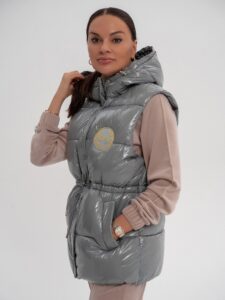
Жилет Глянец Взрослый Серый
11000,00 ₽ The original price was 11000,00 ₽. 8800,00 ₽ Current price: 8800.00 ₽.
Select
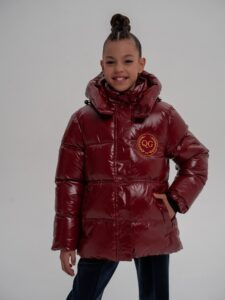
Insulated Jacket Standard Burgundy
11000,00 ₽ The original price was 11000,00 ₽. 8800,00 ₽ Current price: 8800.00 ₽.
Select
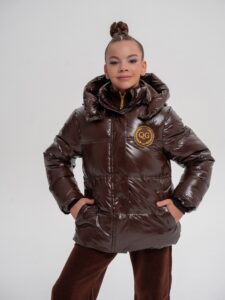
Insulated Jacket Standard Brown
11000,00 ₽ The original price was 11000,00 ₽. 8800,00 ₽ Current price: 8800.00 ₽.
Select
Demi-season Jacket Standard Burgundy
11000,00 ₽ The original price was 11000,00 ₽. 8800,00 ₽ Current price: 8800.00 ₽.
Select
Demi-season Jacket Standard Black
11000,00 ₽ The original price was 11000,00 ₽. 8800,00 ₽ Current price: 8800.00 ₽.
Select
Куртка Демисезонная Эталон Коричневая
12000,00 ₽ The original price was 12000,00 ₽. 9600,00 ₽ Current price: 9600.00 ₽.
Select
Demi Park
7500,00 ₽ Первоначальная цена составляла 7500,00 ₽. 6000,00 ₽ Текущая цена: 6000,00 ₽.
Select
Add a bottom or a tracksuit
Trousers Royal Ice Chocolate
4200,00 ₽ The original price was 4200.00.. 3200,00 ₽ Current price: 3200.00 ₽.
Select
Pants Royal Ice Black
4200,00 ₽ The original price was 4200.00.. 3200,00 ₽ Current price: 3200.00 ₽.
Select
Trousers made of thermobiflex for skating
3900,00 ₽ The original price was 3900.00.. 3120,00 ₽ Current price: 3120.00 ₽.
Select
Brown LeggingsQueen Gym
3990,00 ₽ The original price was 3,990.00 ₽. 3192,00 ₽ Current price: 3192.00 ₽.
Select
Burgundy LeggingsQueen Gym
3990,00 ₽ The original price was 3,990.00 ₽. 3192,00 ₽ Current price: 3192.00 ₽.
Select
Leggings with black elastic bandQueen Gym
3990,00 ₽ The original price was 3,990.00 ₽. 3192,00 ₽ Current price: 3192.00 ₽.
Select
Шорты Импульс Бордовые
3200,00 ₽ The original price was 3200.00.. 2560,00 ₽ Current price: ? 00 ₽.
Select
Shorts Radiance Perforated Black
3800,00 ₽ The original price was 3800.00.. 3040,00 ₽ Current price: 3040.00 ₽.
Select
Celine's Shorts Are Pink
2900,00 ₽ The original price was 2900.00.. 2320,00 ₽ Current price: 2320.00 ₽.
Select
Double Shorts Pink Coral
3800,00 ₽ The original price was 3800.00.. 3040,00 ₽ Current price: 3040.00 ₽.
Select
Double shorts Lavender
3800,00 ₽ The original price was 3800.00.. 3040,00 ₽ Current price: 3040.00 ₽.
Select
Double Shorts Mint
3800,00 ₽ The original price was 3800.00.. 3040,00 ₽ Current price: 3040.00 ₽.
Select
Voyage Pink Shorts
2000,00 ₽ The original price was 2000,00 rubles. 1600,00 ₽ Current price: 1600.00 ₽.
Select
Voyage Shorts are Yellow
2000,00 ₽ The original price was 2000,00 rubles. 1600,00 ₽ Current price: 1600.00 ₽.
Select
The shorts are double Brown
3800,00 ₽ The original price was 3800.00.. 3040,00 ₽ Current price: 3040.00 ₽.
Select
Shorts Radiance Perforated Lemon
3040,00 ₽ – 3540,00 ₽ Диапазон цен: 3040,00 ₽ – 3540,00 ₽
Select
Shorts Radiance Perforated White
3040,00 ₽ – 3540,00 ₽ Диапазон цен: 3040,00 ₽ – 3540,00 ₽
Select
Bordeaux Double Shorts
3800,00 ₽ The original price was 3800.00.. 3040,00 ₽ Current price: 3040.00 ₽.
Select
Impulse Shorts Are Brown
3200,00 ₽ The original price was 3200.00.. 2560,00 ₽ Current price: ? 00 ₽.
Select
Double Shorts Perforation Purple
3990,00 ₽ The original price was 3,990.00 ₽. 3192,00 ₽ Current price: 3192.00 ₽.
Select
Double Shorts Perforation Red
3990,00 ₽ The original price was 3,990.00 ₽. 3192,00 ₽ Current price: 3192.00 ₽.
Select
Impulse Shorts are Red
3200,00 ₽ The original price was 3200.00.. 2560,00 ₽ Current price: ? 00 ₽.
Select
Impulse Shorts are Black
3200,00 ₽ The original price was 3200.00.. 2560,00 ₽ Current price: ? 00 ₽.
Select
Double shortsQUEEN GYM
3800,00 ₽ The original price was 3800.00.. 3040,00 ₽ Current price: 3040.00 ₽.
Select
Shorts with edging Queen Gym
3200,00 ₽ The original price was 3200.00.. 2560,00 ₽ Current price: ? 00 ₽.
Select
Double Shorts Perforation
2900,00 ₽ – 3900,00 ₽ Диапазон цен: 2900,00 ₽ – 3900,00 ₽
Select
Спортивный костюм Кристалл Белый
11800,00 ₽ Первоначальная цена составляла 11800,00 ₽. 9500,00 ₽ Текущая цена: 9500,00 ₽.
Select
Боди Бархат Темно-Синий Восторг
4300,00 ₽ Первоначальная цена составляла 4300,00 ₽. 3300,00 ₽ Текущая цена: 3300,00 ₽.
Select
Спортивный костюм Королевский лед Черный
12600,00 ₽ The original price was 12600.00.. 10080,00 ₽ Current price: 10080,00 rubles.
Select
Спортивный костюм Полярная Звезда Красный
10400,00 ₽ – 10900,00 ₽ Диапазон цен: 10400,00 ₽ – 10900,00 ₽
Select
Костюм Корона Карамельный
10080,00 ₽ – 10580,00 ₽ Диапазон цен: 10080,00 ₽ – 10580,00 ₽
Select
Костюм Корона Черный
10080,00 ₽ – 10580,00 ₽ Диапазон цен: 10080,00 ₽ – 10580,00 ₽
Select
Спортивный костюм Флисовый Голубой
11250,00 ₽ Первоначальная цена составляла 11250,00 ₽. 9000,00 ₽ Current price: 9000,00 rubles.
Select
Спортивный костюм Премьер Синий Взрослый
10880,00 ₽ – 11380,00 ₽ Диапазон цен: 10880,00 ₽ – 11380,00 ₽
Select
Спортивный костюм Полярная Звезда Взрослый
12800,00 ₽ – 13300,00 ₽ Диапазон цен: 12800,00 ₽ – 13300,00 ₽
Select
Спортивный костюм Силуэт Красный
9500,00 ₽ The original price was 9500.00.. 8500,00 ₽ Current price: 8500.00 ₽.
Select
Спортивный костюм Силуэт Шоколадный
10625,00 ₽ Первоначальная цена составляла 10625,00 ₽. 8500,00 ₽ Current price: 8500.00 ₽.
Select
Melodiya Caramel Tracksuit
9500,00 ₽ The original price was 9500.00.. 7600,00 ₽ Current price: 7600.00 ₽.
Select
Prime Tracksuit
10500,00 ₽ The original price was 10500.00.. 8400,00 ₽ Current price: 8400.00 ₽.
Select
Celine's tracksuit
10500,00 ₽ The original price was 10500.00.. 8400,00 ₽ Current price: 8400.00 ₽.
Select
Tracksuit Crown Mint
10080,00 ₽ – 10580,00 ₽ Диапазон цен: 10080,00 ₽ – 10580,00 ₽
Select
Sports Suit Crown Pink
10080,00 ₽ – 10580,00 ₽ Диапазон цен: 10080,00 ₽ – 10580,00 ₽
Select
The Voyage Pink Tracksuit
8400,00 ₽ The original price was 8400.00.. 5500,00 ₽ Current price: 5500.00 ₽.
Select
Costume Summer Mood Three-dimensional Yellow
5920,00 ₽ – 6420,00 ₽ Диапазон цен: 5920,00 ₽ – 6420,00 ₽
Select
Tracksuit Melody Purple
8000,00 ₽ The original price was 8000,00 ₽. 6400,00 ₽ Current price: 6400.00 ₽.
Select
Tracksuit Heaven
9500,00 ₽ The original price was 9500.00.. 7600,00 ₽ Current price: 7600.00 ₽.
Select
Спортивный костюм Мелодия Бежевый
8000,00 ₽ The original price was 8000,00 ₽. 6400,00 ₽ Current price: 6400.00 ₽.
Select
Elegy Jumpsuit Dark Blue
7200,00 ₽ – 7700,00 ₽ Диапазон цен: 7200,00 ₽ – 7700,00 ₽
Select
Jumpsuit Elegy Brown
7200,00 ₽ – 7700,00 ₽ Диапазон цен: 7200,00 ₽ – 7700,00 ₽
Select
Jumpsuit Elegy Red
7200,00 ₽ – 7700,00 ₽ Диапазон цен: 7200,00 ₽ – 7700,00 ₽
Select
Tracksuit Fleece Brown
11250,00 ₽ Первоначальная цена составляла 11250,00 ₽. 9000,00 ₽ Current price: 9000,00 rubles.
Select
Tracksuit Silhouette Black
10625,00 ₽ Первоначальная цена составляла 10625,00 ₽. 8500,00 ₽ Current price: 8500.00 ₽.
Select
Tracksuit Silhouette Dark Blue
10625,00 ₽ Первоначальная цена составляла 10625,00 ₽. 8500,00 ₽ Current price: 8500.00 ₽.
Select
Jumpsuit Warm Red
7600,00 ₽ – 8100,00 ₽ Диапазон цен: 7600,00 ₽ – 8100,00 ₽
Select
Tracksuit Fleece Black
11250,00 ₽ Первоначальная цена составляла 11250,00 ₽. 9000,00 ₽ Current price: 9000,00 rubles.
Select
Tracksuit Fleece Red
11250,00 ₽ Первоначальная цена составляла 11250,00 ₽. 9000,00 ₽ Current price: 9000,00 rubles.
Select
Your Legend's Tracksuit is Beige
13600,00 ₽ Первоначальная цена составляла 13600,00 ₽. 10880,00 ₽ Текущая цена: 10880,00 ₽.
Select
Tracksuit Is Your Legend Chocolate
13600,00 ₽ Первоначальная цена составляла 13600,00 ₽. 10880,00 ₽ Текущая цена: 10880,00 ₽.
Select
Tracksuit Royal Ice Chocolate
12600,00 ₽ The original price was 12600.00.. 10080,00 ₽ Current price: 10080,00 rubles.
Select
Costume Crown Emerald
10080,00 ₽ – 10580,00 ₽ Диапазон цен: 10080,00 ₽ – 10580,00 ₽
Select
Tracksuit Grand Cornflower Blue Adult
12000,00 ₽ – 12500,00 ₽ Price range: 12000,00 ₽ – 12500,00 ₽
Select
Tracksuit Grand Cornflower Blue
9600,00 ₽ – 10100,00 ₽ Диапазон цен: 9600,00 ₽ – 10100,00 ₽
Select
Tracksuit Grand Brown
9600,00 ₽ – 10100,00 ₽ Диапазон цен: 9600,00 ₽ – 10100,00 ₽
Select
Olymp Red Tracksuit
11000,00 ₽ – 11500,00 ₽ Диапазон цен: 11000,00 ₽ – 11500,00 ₽
Select
Olymp Tracksuit Dark Blue
13000,00 ₽ Первоначальная цена составляла 13000,00 ₽. 11000,00 ₽ Current price: 11000,00 rubles.
Select
The Suit Is Three-Dimensional Warm Purple
9000,00 ₽ The original price was 9000,00 ₽. 8000,00 ₽ Текущая цена: 8000,00 ₽.
Select
Спортивный Костюм Гранд Взрослый Красный
12000,00 ₽ – 12500,00 ₽ Price range: 12000,00 ₽ – 12500,00 ₽
Select
Tracksuit Grand Emerald Adult
12560,00 ₽ – 13060,00 ₽ Диапазон цен: 12560,00 ₽ – 13060,00 ₽
Select
Velour Suit with Stand Royal Black
7600,00 ₽ – 8800,00 ₽ Price range: 7600.00 – - 8800.00 ₽
Select
Velour Suit with Stand Royal Navy Blue
7600,00 ₽ – 8800,00 ₽ Price range: 7600.00 – - 8800.00 ₽
Select
Спортивный костюм Россия Взрослый Красный
10880,00 ₽ – 11580,00 ₽ Диапазон цен: 10880,00 ₽ – 11580,00 ₽
Select
Tracksuit Grand Emerald
10080,00 ₽ – 10580,00 ₽ Диапазон цен: 10080,00 ₽ – 10580,00 ₽
Select
The ceremonial Flagship Suit is New Red
10080,00 ₽ – 10580,00 ₽ Диапазон цен: 10080,00 ₽ – 10580,00 ₽
Select
Dress Suit Flagship New White
10080,00 ₽ – 10580,00 ₽ Диапазон цен: 10080,00 ₽ – 10580,00 ₽
Select
Ceremonial Flagship Suit New Black
10080,00 ₽ – 10580,00 ₽ Диапазон цен: 10080,00 ₽ – 10580,00 ₽
Select
Costume Summer Mood Three-dimensional
4000,00 ₽ – 4500,00 ₽ Диапазон цен: 4000,00 ₽ – 4500,00 ₽
Select
Спортивный костюм Корона Взрослый Черный
15000,00 ₽ The original price was 15,000.00 rubles. 12000,00 ₽ Current price: 12000,00 rubles.
Select
Tracksuit Russia Red
6800,00 ₽ – 7500,00 ₽ Диапазон цен: 6800,00 ₽ – 7500,00 ₽
Select
Tracksuit Grand Red
12000,00 ₽ The original price was 12000,00 ₽. 8500,00 ₽ Current price: 8500.00 ₽.
Select
Premier Plus Black Tracksuit
7990,00 ₽ – 9290,00 ₽ Диапазон цен: 7990,00 ₽ – 9290,00 ₽
Select
Suit Winter Warmth Blue
7200,00 ₽ – 8000,00 ₽ Price range: 7200.00 – - 8000.00 ₽
Select
Jumpsuit Hot Beige
7200,00 ₽ – 7700,00 ₽ Диапазон цен: 7200,00 ₽ – 7700,00 ₽
Select
Tracksuit Grand Mint
8000,00 ₽ – 9600,00 ₽ Диапазон цен: 8000,00 ₽ – 9600,00 ₽
Select
Sports Suit Crown Adult Dark Blue
15000,00 ₽ The original price was 15,000.00 rubles. 12000,00 ₽ Current price: 12000,00 rubles.
Select
Tracksuit Premier Black
7990,00 ₽ – 9290,00 ₽ Диапазон цен: 7990,00 ₽ – 9290,00 ₽
Select
Tracksuit Russia Blue
6800,00 ₽ – 7500,00 ₽ Диапазон цен: 6800,00 ₽ – 7500,00 ₽
Select
The Crown Suit Is Dark Blue
10080,00 ₽ – 10580,00 ₽ Диапазон цен: 10080,00 ₽ – 10580,00 ₽
Select
Tracksuit Polar Star
10400,00 ₽ – 11700,00 ₽ Диапазон цен: 10400,00 ₽ – 11700,00 ₽
Select
Crown Purple Tracksuit
9600,00 ₽ – 10100,00 ₽ Диапазон цен: 9600,00 ₽ – 10100,00 ₽
Select
Jumpsuit HOT Black
9000,00 ₽ The original price was 9000,00 ₽. 7200,00 ₽ Current price: 7200.00 ₽.
Select
Sports Suit Premier White and Red
7990,00 ₽ – 8490,00 ₽ Диапазон цен: 7990,00 ₽ – 8490,00 ₽
Select
Tracksuit Premier Blue
7990,00 ₽ – 9890,00 ₽ Диапазон цен: 7990,00 ₽ – 9890,00 ₽
Select
Velour Suit with Royal Purple Rack
9500,00 ₽ The original price was 9500.00.. 7000,00 ₽ Текущая цена: 7000,00 ₽.
Select
3D Warm Beige Suit
7200,00 ₽ – 8000,00 ₽ Price range: 7200.00 – - 8000.00 ₽
Select
Choose an accessory or skip
Skip accessory →
Чехол для обруча Темно-Синий
1840,00 ₽ – 2540,00 ₽ Диапазон цен: 1840,00 ₽ – 2540,00 ₽
Select
Queen GymClassic Adult Cap Pink
1800,00 ₽ The original price was 1800.00.. 1440,00 ₽ Current price: 1440,00 rubles.
Select
Queen GymClassic Adult Cap Blue
1800,00 ₽ The original price was 1800.00.. 1440,00 ₽ Current price: 1440,00 rubles.
Select
Queen GymClassic Adult Cap Blue
1800,00 ₽ The original price was 1800.00.. 1440,00 ₽ Current price: 1440,00 rubles.
Select
Queen GymClassic Adult White Cap
1800,00 ₽ The original price was 1800.00.. 1440,00 ₽ Current price: 1440,00 rubles.
Select
Queen GymClassic Adult Black Cap
1800,00 ₽ The original price was 1800.00.. 1440,00 ₽ Current price: 1440,00 rubles.
Select
Backpack-Bag Start
8500,00 ₽ The original price was 8500.00.. 6800,00 ₽ Current price: 6800.00 ₽.
Select
Backpack Start
8500,00 ₽ The original price was 8500.00.. 6800,00 ₽ Current price: 6800.00 ₽.
Select
Waist Bag Crown Protective
2700,00 ₽ The original price was 2700.00.. 2160,00 ₽ Current price: 2160.00 ₽.
Select
Cosmetic bag Black
2500,00 ₽ The original price was 2500.00.. 2000,00 ₽ Current price: 2000,00 rubles.
Select
The cover for the Voyage hoop is Black
2800,00 ₽ The original price was 2800.00.. 2240,00 ₽ Current price: 2240.00 ₽.
Select
The cover for the Voyage hoop is Red
2800,00 ₽ The original price was 2800.00.. 2240,00 ₽ Current price: 2240.00 ₽.
Select
The cover for the ball Voyage Sunny
2800,00 ₽ The original price was 2800.00.. 2240,00 ₽ Current price: 2240.00 ₽.
Select
The case for the Voyage ball is Black
2800,00 ₽ The original price was 2800.00.. 2240,00 ₽ Current price: 2240.00 ₽.
Select
Voyage Pink Ball Case
2800,00 ₽ The original price was 2800.00.. 2240,00 ₽ Current price: 2240.00 ₽.
Select
Bandana Voyage Mint
900,00 ₽ The original price was 900.00.. 550,00 ₽ Current price: 550,00 rubles.
Select
Bandana Voyage Yellow
900,00 ₽ The original price was 900.00.. 550,00 ₽ Current price: 550,00 rubles.
Select
Bandana Voyage Pink
900,00 ₽ The original price was 900.00.. 550,00 ₽ Current price: 550,00 rubles.
Select
Sports bag
7000,00 ₽ The original price was 7000,00 ₽. 5600,00 ₽ Current price: 5600.00 ₽.
Select
Prestige Shopping Bag
2000,00 ₽ – 2500,00 ₽ Диапазон цен: 2000,00 ₽ – 2500,00 ₽
Select
Olympus Backpack
12800,00 ₽ – 13300,00 ₽ Диапазон цен: 12800,00 ₽ – 13300,00 ₽
Select
Fitness Bag
7000,00 ₽ The original price was 7000,00 ₽. 5600,00 ₽ Current price: 5600.00 ₽.
Select
A bag on wheels Voyage
10500,00 ₽ The original price was 10500.00.. 8400,00 ₽ Current price: 8400.00 ₽.
Select
Maxi Red Backpack
8000,00 ₽ The original price was 8000,00 ₽. 6400,00 ₽ Current price: 6400.00 ₽.
Select
Queen Case
2500,00 ₽ The original price was 2500.00.. 2000,00 ₽ Current price: 2000,00 rubles.
Select
Чехол для обруча Черный
1840,00 ₽ – 2340,00 ₽ Диапазон цен: 1840,00 ₽ – 2340,00 ₽
Select
Ball Case
1840,00 ₽ – 2340,00 ₽ Диапазон цен: 1840,00 ₽ – 2340,00 ₽
Select
The holdall
3360,00 ₽ – 3860,00 ₽ Диапазон цен: 3360,00 ₽ – 3860,00 ₽
Select
Raincoat Raincoat Cover
1840,00 ₽ – 2340,00 ₽ Диапазон цен: 1840,00 ₽ – 2340,00 ₽
Select
Accessories
Чехол для обруча Темно-Синий
1840,00 ₽ – 2540,00 ₽ Диапазон цен: 1840,00 ₽ – 2540,00 ₽
Select
Queen GymClassic Adult Cap Pink
1800,00 ₽ The original price was 1800.00.. 1440,00 ₽ Current price: 1440,00 rubles.
Select
Queen GymClassic Adult Cap Blue
1800,00 ₽ The original price was 1800.00.. 1440,00 ₽ Current price: 1440,00 rubles.
Select
Queen GymClassic Adult Cap Blue
1800,00 ₽ The original price was 1800.00.. 1440,00 ₽ Current price: 1440,00 rubles.
Select
Queen GymClassic Adult White Cap
1800,00 ₽ The original price was 1800.00.. 1440,00 ₽ Current price: 1440,00 rubles.
Select
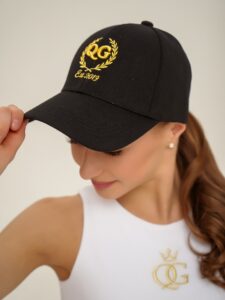
Queen GymClassic Adult Black Cap
1800,00 ₽ The original price was 1800.00.. 1440,00 ₽ Current price: 1440,00 rubles.
Select
Backpack-Bag Start
8500,00 ₽ The original price was 8500.00.. 6800,00 ₽ Current price: 6800.00 ₽.
Select
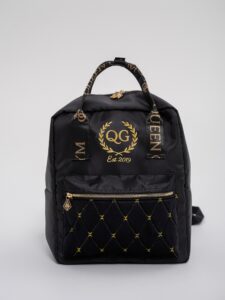
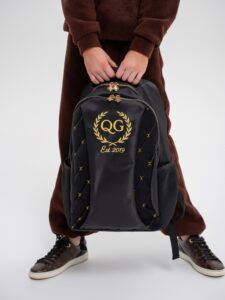
Backpack Start
8500,00 ₽ The original price was 8500.00.. 6800,00 ₽ Current price: 6800.00 ₽.
Select
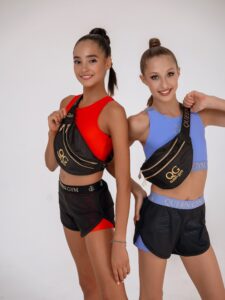
Waist Bag Crown Protective
2700,00 ₽ The original price was 2700.00.. 2160,00 ₽ Current price: 2160.00 ₽.
Select
Cosmetic bag Black
2500,00 ₽ The original price was 2500.00.. 2000,00 ₽ Current price: 2000,00 rubles.
Select
The cover for the Voyage hoop is Black
2800,00 ₽ The original price was 2800.00.. 2240,00 ₽ Current price: 2240.00 ₽.
Select
The cover for the Voyage hoop is Red
2800,00 ₽ The original price was 2800.00.. 2240,00 ₽ Current price: 2240.00 ₽.
Select
The cover for the ball Voyage Sunny
2800,00 ₽ The original price was 2800.00.. 2240,00 ₽ Current price: 2240.00 ₽.
Select
The case for the Voyage ball is Black
2800,00 ₽ The original price was 2800.00.. 2240,00 ₽ Current price: 2240.00 ₽.
Select
Voyage Pink Ball Case
2800,00 ₽ The original price was 2800.00.. 2240,00 ₽ Current price: 2240.00 ₽.
Select
Bandana Voyage Mint
900,00 ₽ The original price was 900.00.. 550,00 ₽ Current price: 550,00 rubles.
Select
Bandana Voyage Yellow
900,00 ₽ The original price was 900.00.. 550,00 ₽ Current price: 550,00 rubles.
Select
Bandana Voyage Pink
900,00 ₽ The original price was 900.00.. 550,00 ₽ Current price: 550,00 rubles.
Select
Sports bag
7000,00 ₽ The original price was 7000,00 ₽. 5600,00 ₽ Current price: 5600.00 ₽.
Select
Prestige Shopping Bag
2000,00 ₽ – 2500,00 ₽ Диапазон цен: 2000,00 ₽ – 2500,00 ₽
Select
Olympus Backpack
12800,00 ₽ – 13300,00 ₽ Диапазон цен: 12800,00 ₽ – 13300,00 ₽
Select
Fitness Bag
7000,00 ₽ The original price was 7000,00 ₽. 5600,00 ₽ Current price: 5600.00 ₽.
Select
A bag on wheels Voyage
10500,00 ₽ The original price was 10500.00.. 8400,00 ₽ Current price: 8400.00 ₽.
Select
Maxi Red Backpack
8000,00 ₽ The original price was 8000,00 ₽. 6400,00 ₽ Current price: 6400.00 ₽.
Select
Queen Case
2500,00 ₽ The original price was 2500.00.. 2000,00 ₽ Current price: 2000,00 rubles.
Select
Чехол для обруча Черный
1840,00 ₽ – 2340,00 ₽ Диапазон цен: 1840,00 ₽ – 2340,00 ₽
Select
Ball Case
1840,00 ₽ – 2340,00 ₽ Диапазон цен: 1840,00 ₽ – 2340,00 ₽
Select
The holdall
3360,00 ₽ – 3860,00 ₽ Диапазон цен: 3360,00 ₽ – 3860,00 ₽
Select
Raincoat Raincoat Cover
1840,00 ₽ – 2340,00 ₽ Диапазон цен: 1840,00 ₽ – 2340,00 ₽
Select
Ready-made images
Base for every day
T-shirt/longsleeve + leggings + bag
7 340 ₽
Take as a basis
Training kit
Training uniform + case/bag
8 440 ₽
Take as a basis
Sports status
Suit + bag
20 400 ₽
Take as a basis
The image with the jacket
Outerwear + leggings + bag
16 540 ₽
Take as a basis
Jumpsuit + accessory
Jumpsuit + case/bag
6 240 ₽
Take as a basis
Vacation image
Vacation + bag
8 950 ₽
Take as a basis
Minimalism
Jacket + leggings
15 990 ₽
Take as a basis

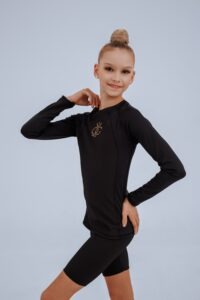
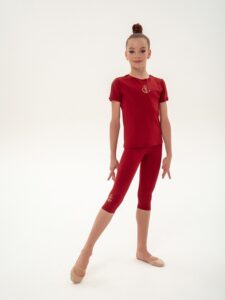
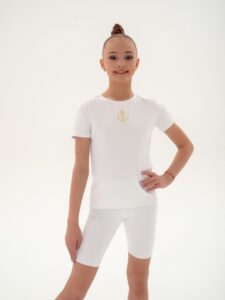
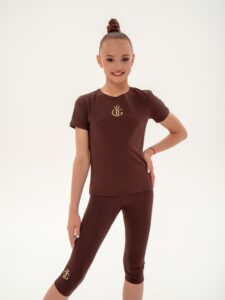
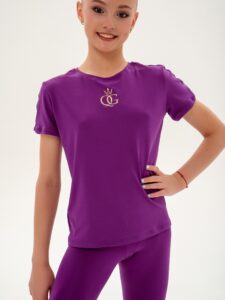
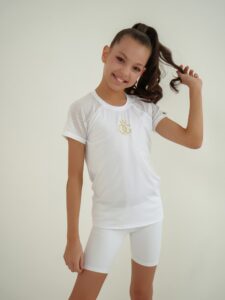
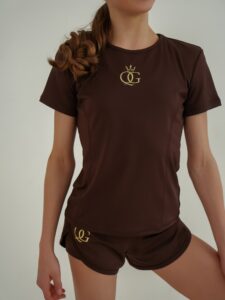
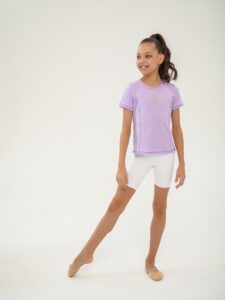
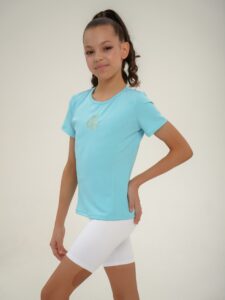
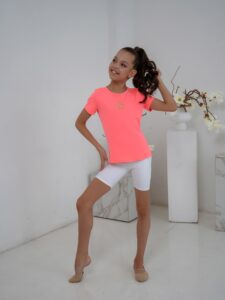
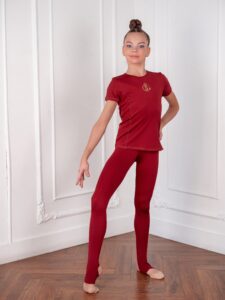
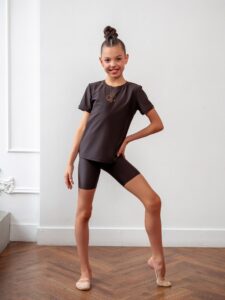
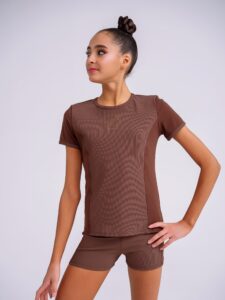
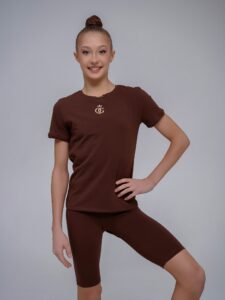
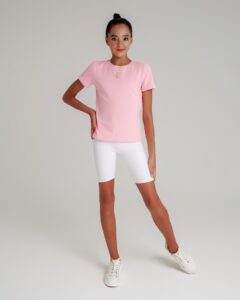
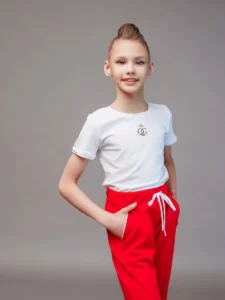
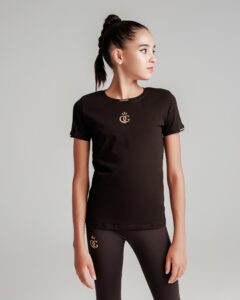
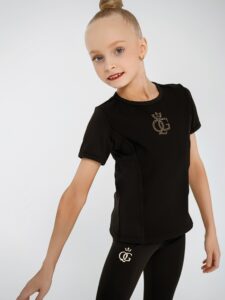
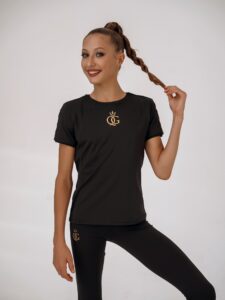
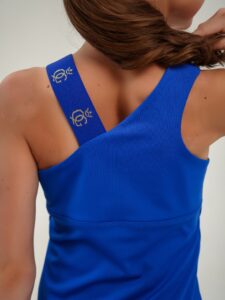

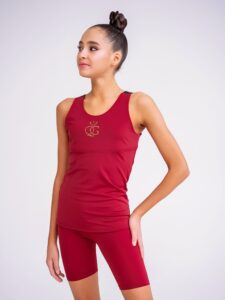
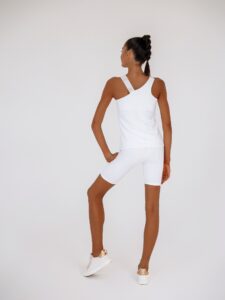
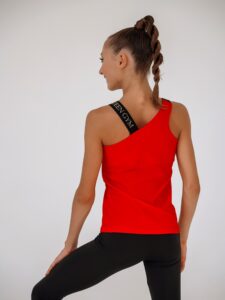
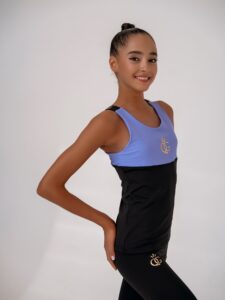
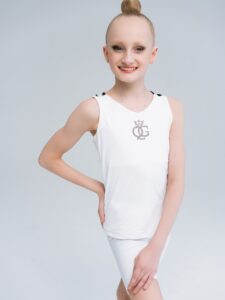
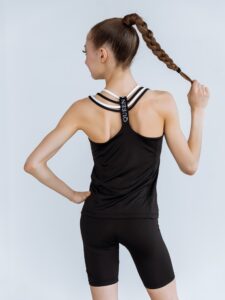
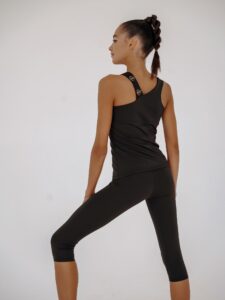

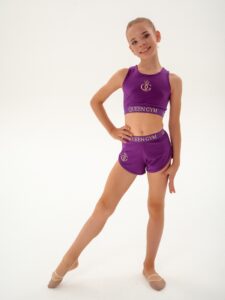
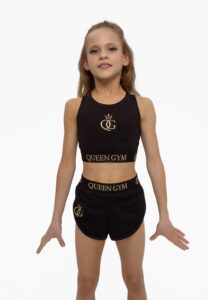
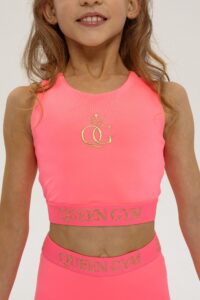
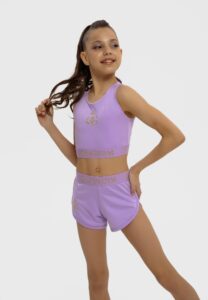
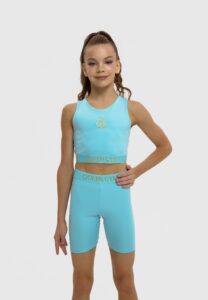
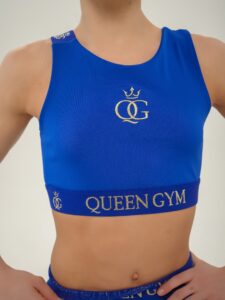



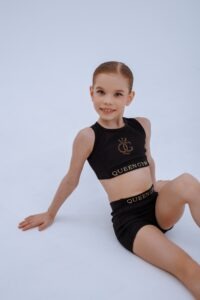
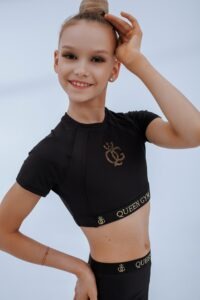
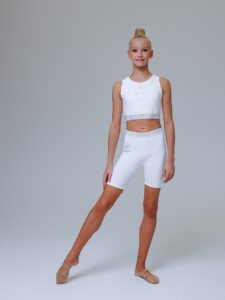
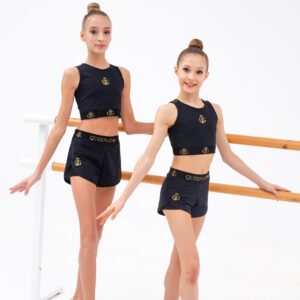
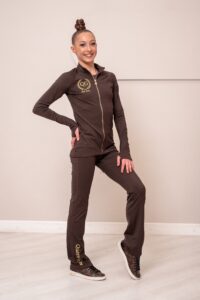
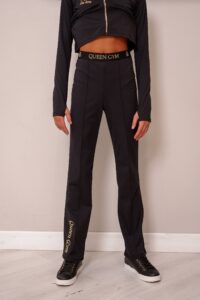
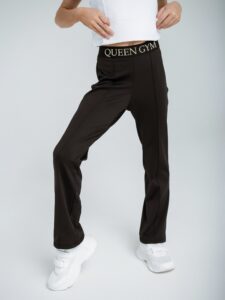
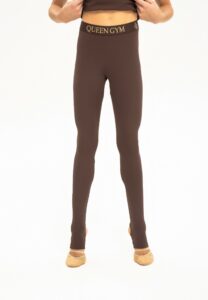
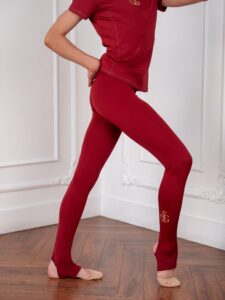
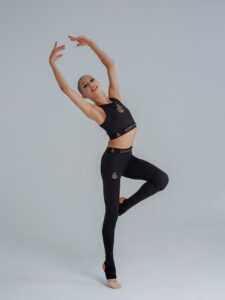

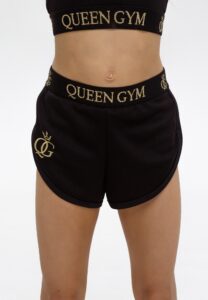
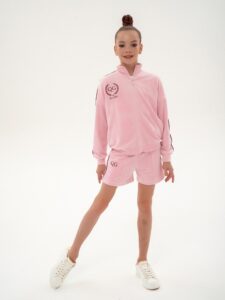
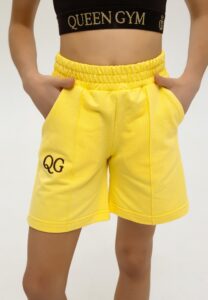
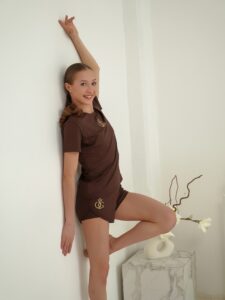
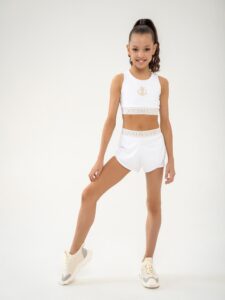
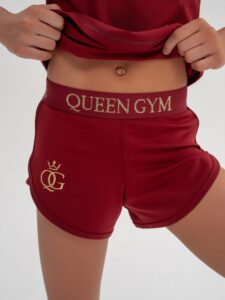
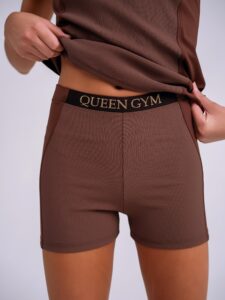
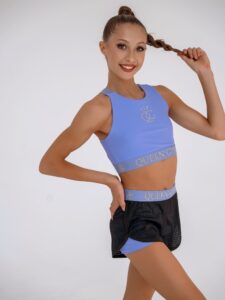
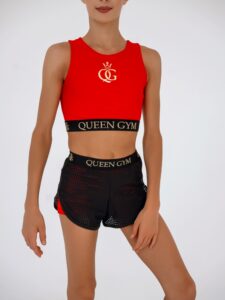

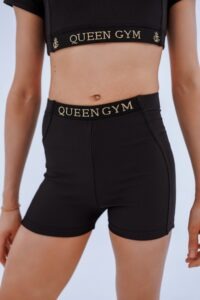


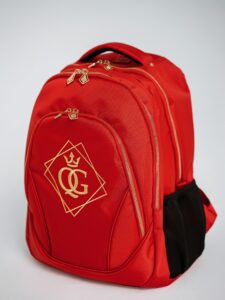
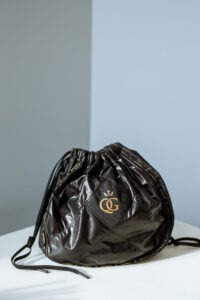
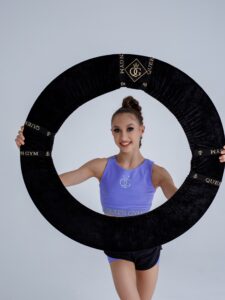
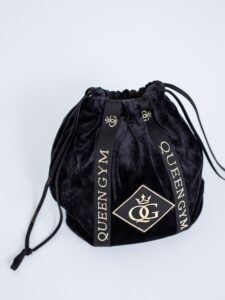





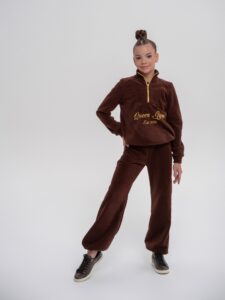
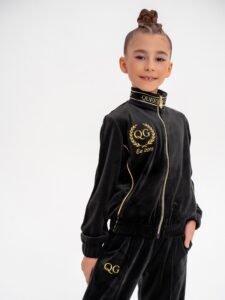
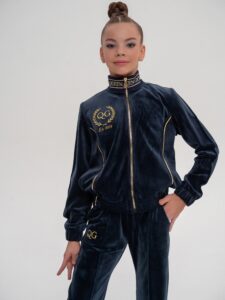
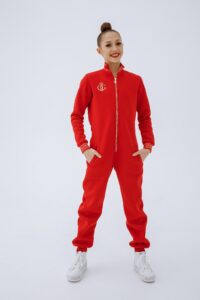





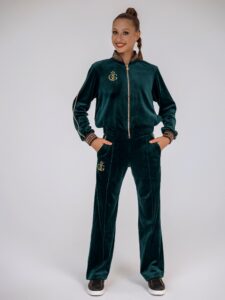
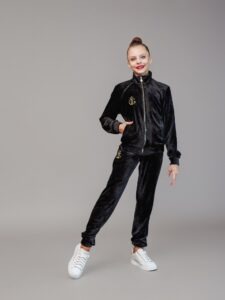
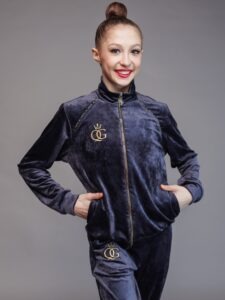
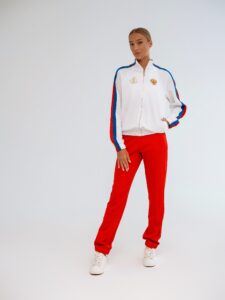




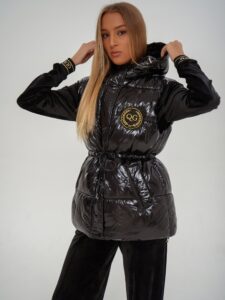
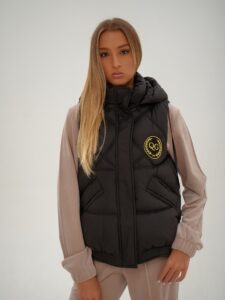
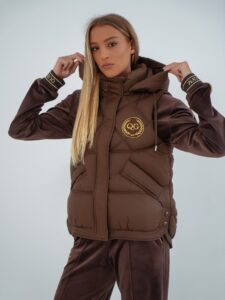
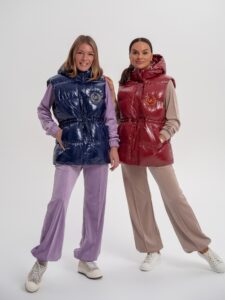
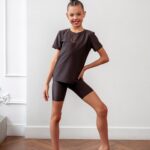 Classic Chocolate T-Shirt
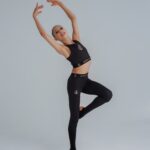 Leggings with black elastic bandQueen Gym
 Bandana Voyage Mint
 Crop-Top Force
 Top Pulse Red
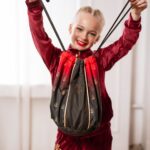 Voyage Pink Ball Case
 Tracksuit Grand Brown
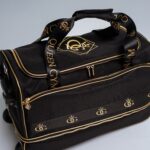 A bag on wheels Voyage
 Куртка Демисезонная Эталон Коричневая
 Jumpsuit Charm
 Bandana Voyage Pink
 Select items to assemble the image